

Social media
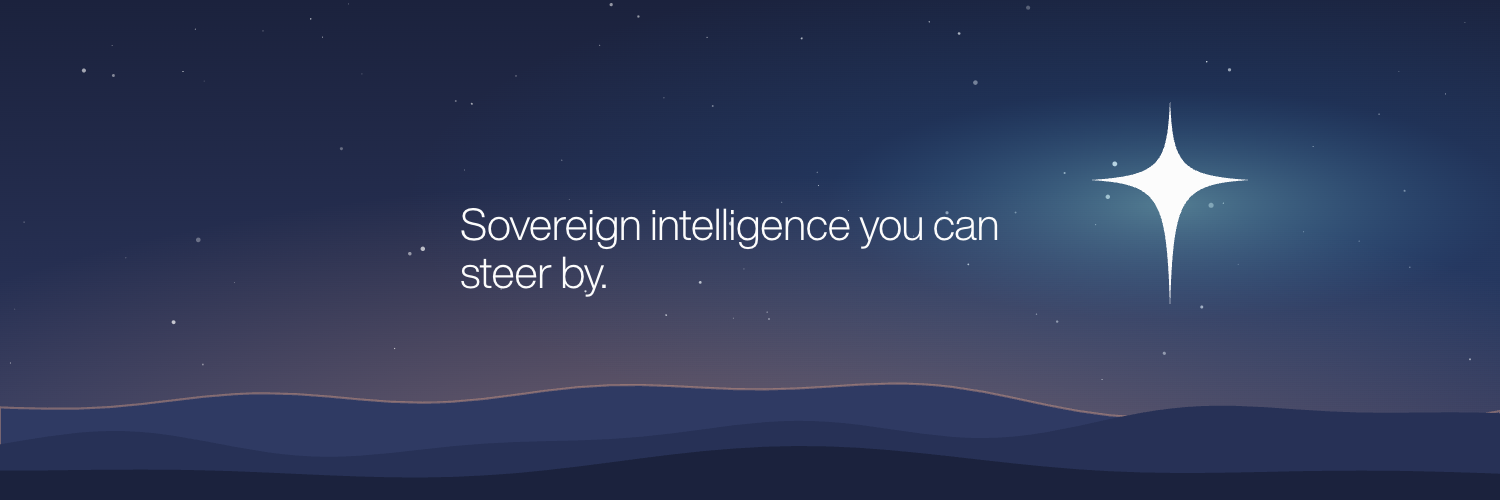
Public, on brand and ready to use
Social is where most people meet North first. These assets keep our company pages and our people's profiles consistent and recognisable.
Company profiles
For official North, NorthStar, NorthCloud and NorthEdge channels only. Use them as supplied; each is sized for its platform.

Personal profiles
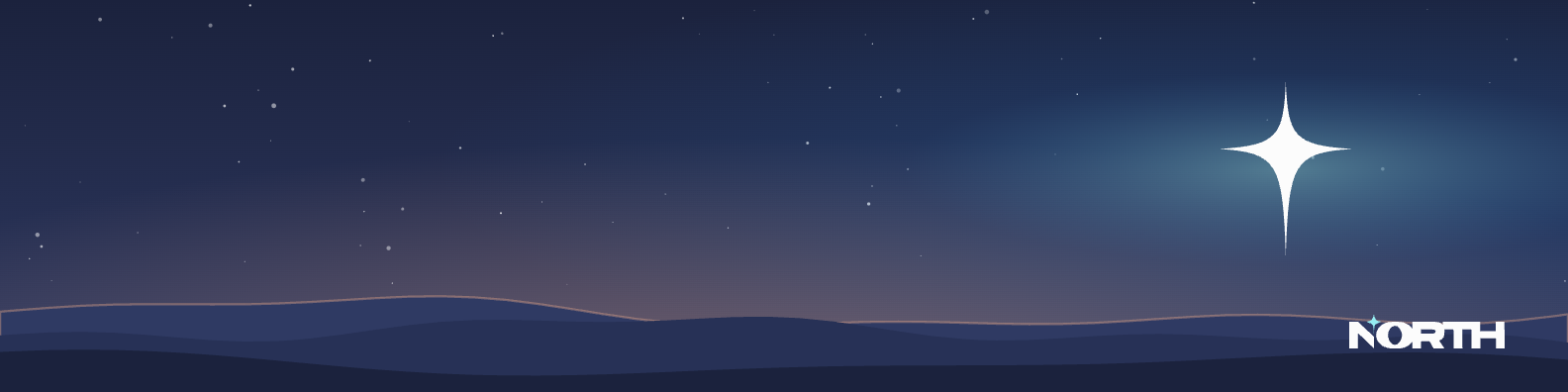
Optional LinkedIn banners for North people who want to show where they work. Choose the one for your business unit.
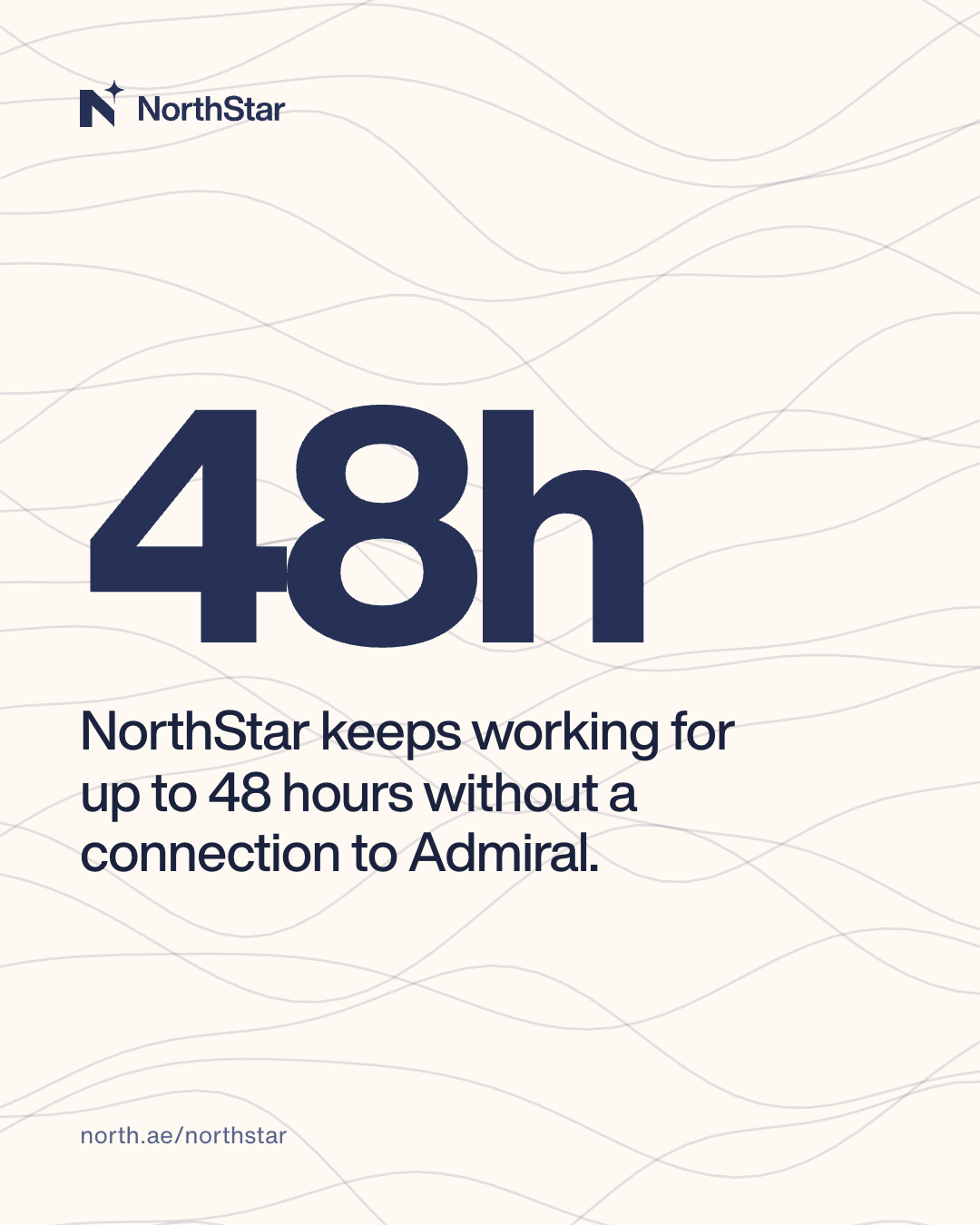
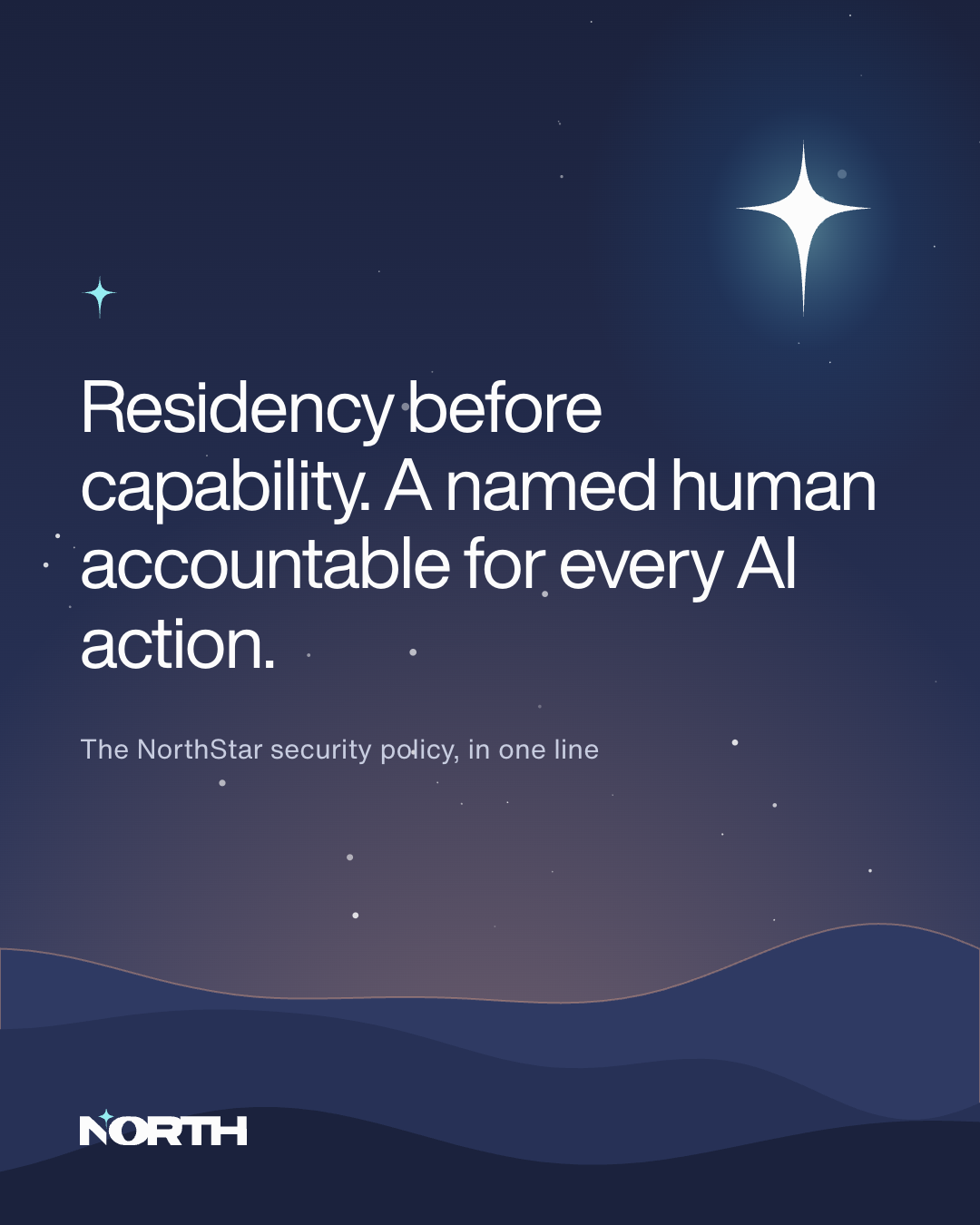
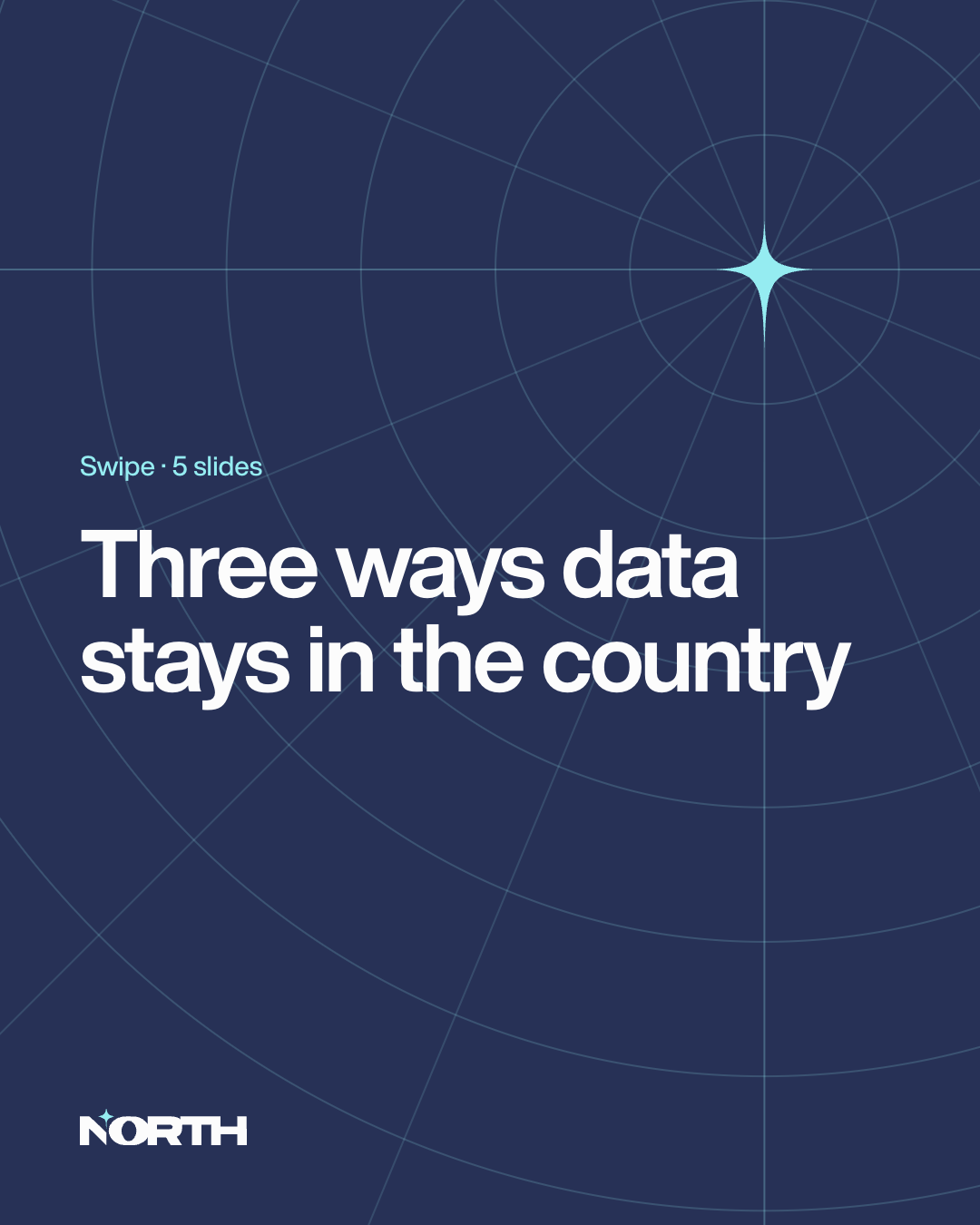
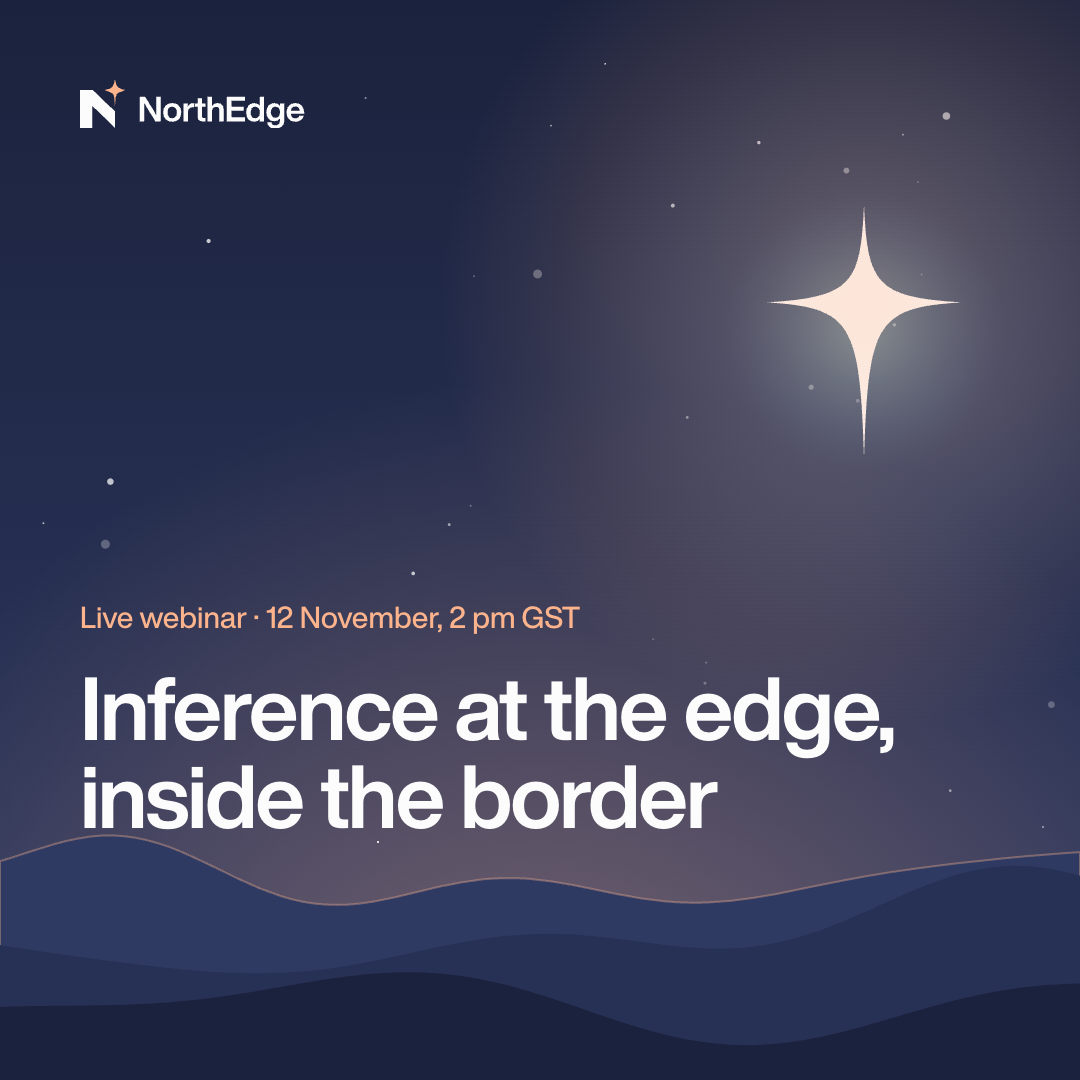
Post templates
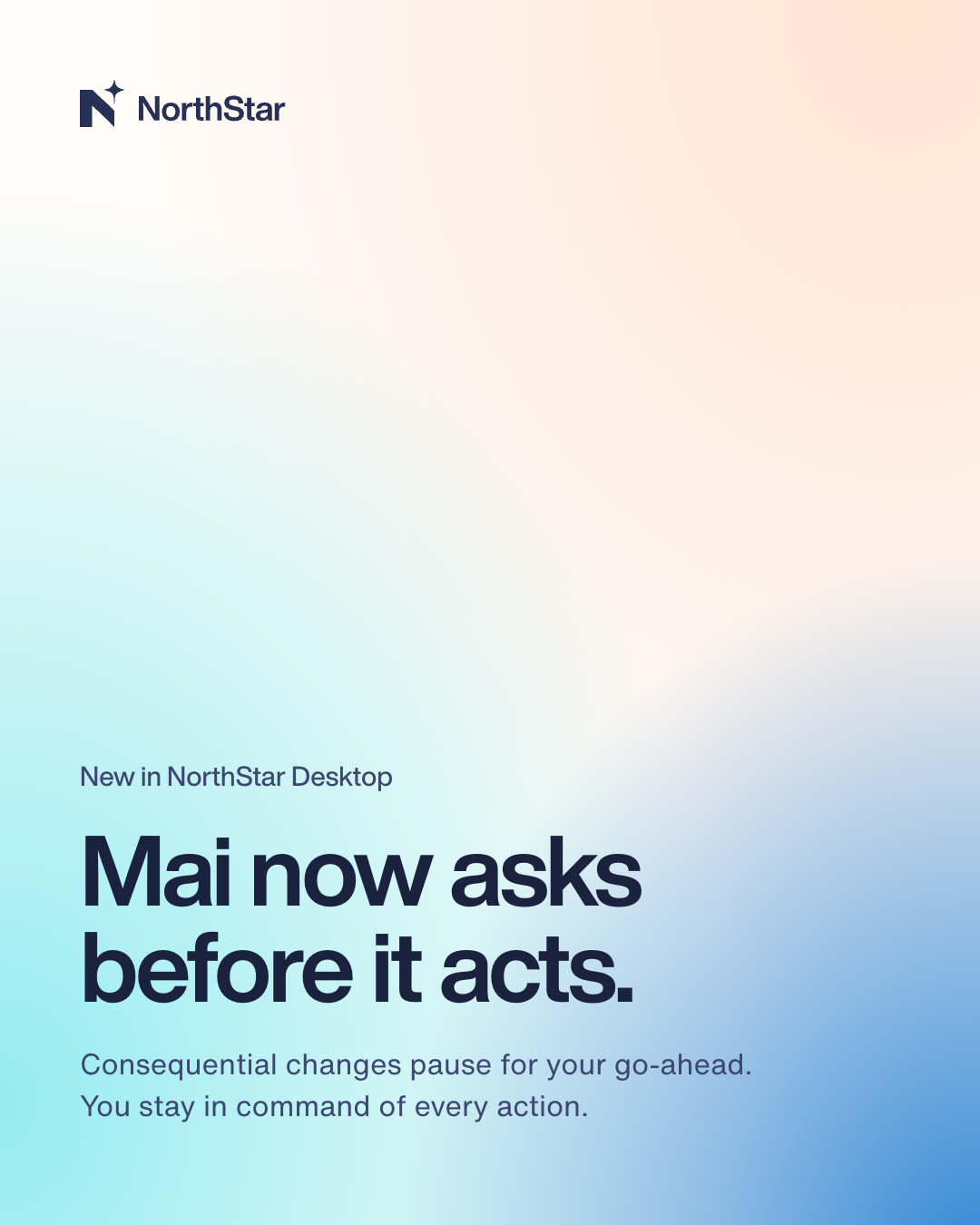
Five post types cover almost everything we publish. Each has one job.
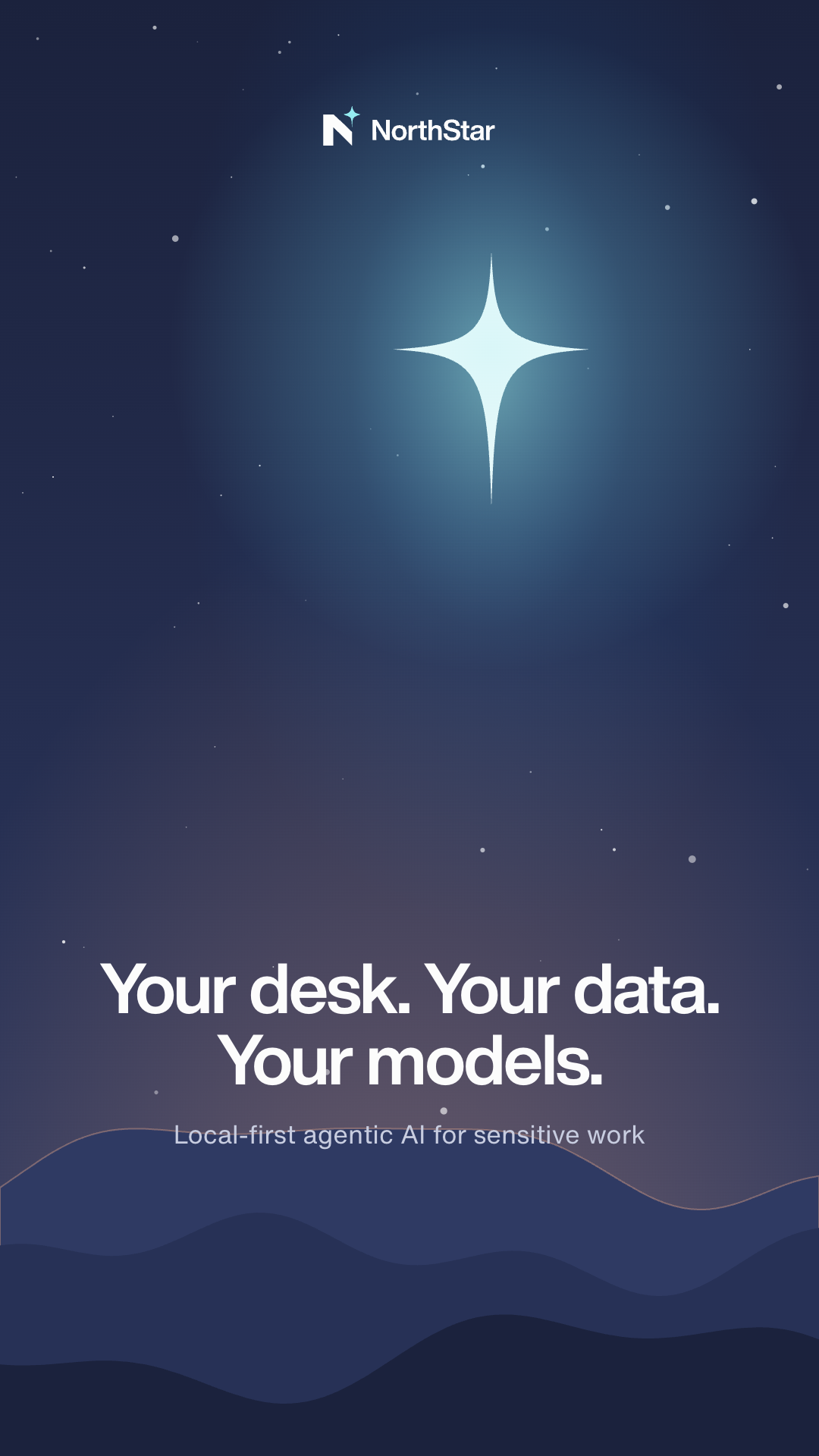
Post maker
Make an on-brand post in a minute. Choose a layout and brand, write your headline, and download a PNG at full resolution.
Sizes
| Platform | Asset | Size (px) |
|---|---|---|
| Company banner | 1128 × 191 | |
| Personal banner | 1584 × 396 | |
| LinkedIn, Instagram | Post (portrait) | 1080 × 1350 |
| All | Square post | 1080 × 1080 |
| Instagram, LinkedIn | Story | 1080 × 1920 |
| X | Header | 1500 × 500 |
| YouTube | Channel art | 2560 × 1440 (safe area 1546 × 423) |
| All | Profile picture | 400 × 400 |
Writing for social
- Lead with the benefit to the reader. One idea per post.
- Headlines on images: 60 characters or fewer. Repeat any text from the image in the post copy for screen readers.
- Use the correct names: NorthStar, not North Star. Tag @North and the sub-brand page.
- No more than two hashtags; never inside sentences.
- English and Arabic posts are written for their audience, not translated word for word.
Dos and don'ts
Do
- Use the supplied banners as they are.
- Make posts with the templates or the post maker.
- Keep image text short and repeat it in the copy.
- Use real product visuals with sample data.
Don't
- Stretch or crop the banners to other sizes.
- Add logos of other North units to a sub-brand post.
- Use stock photos with AI clichés.
- Post customer names or logos without written approval.
Last updated on 14 October 2026