Logo lockups
Make the logo play well with others
Lockups combine the North icon with a name. They are generated from the naming system, so every business unit, product and enabler looks like part of one family.
Never build a lockup by hand. Use the files below or the lockup builder. If a name is missing, ask the brand team: the rules for new names are in Brand architecture.
Lockup anatomy
Icon, brand name, product name
- Icon. The N and the star, always first.
- Brand name in Helvetica Now Display Bold: NorthStar, NorthEdge, North.
- Product name in Helvetica Now Display Regular: Admiral, Horizon, Academy.
- Cap height of the name is 0.65 of the N height; the gap between icon and name is 0.34 of the N height.
- The name is centred on the N body, not on the star.


Sub-brand lockups
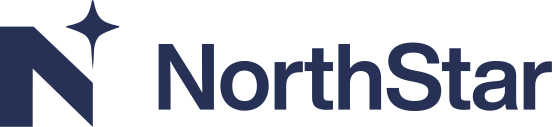
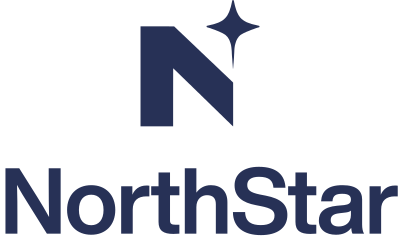
Each business unit has a horizontal and a stacked lockup. On dark backgrounds the star carries the sub-brand signal colour.
Product lockups
One lockup per product, never per component
Products get a lockup: NorthStar Admiral, NorthEdge Horizon. Components do not. For NorthStar Admiral Server, use the NorthStar Admiral lockup and set “Server” in text nearby.
Product lockups are for product surfaces: splash screens, installers, documentation headers, product pages. In company-level communication use the North logo or the sub-brand lockup.








Enabler lockups
North + one word
Enablers use the same construction with “North” in Bold: North Success, North Academy, North Vanguard, North Talent, North Identity. They take no signal colour.










Lockup builder
Pick a lockup and a colourway, preview it on the right background and download the file you need.
Logo + URL
Drive people to learn more
Use the URL lockup on ads, event materials and sponsorship assets. Set the URL in Helvetica Now Text Medium, lowercase, aligned to the baseline of the logo or placed below it, whichever fits the layout.
- Company: north.ae
- Sub-brand: north.ae/northstar
- Enabler: academy.north.ae
north.ae/northstar
 north.ae
Co-branding
When North and a partner join forces
Use a co-branding lockup for joint announcements, co-hosted events, case studies and government partnerships.
- North first, partner to the right. In Arabic-first layouts the order follows the reading direction.
- Make the logos optically equal in size, not mathematically equal.
- Use the same colour treatment for both: if North is Midnight, use the partner's one-colour version.
- Separate the logos with a 1px vertical rule, with equal gaps on both sides (1x the N height).
- For government partners, follow their protocol for placement and precedence. Their emblem may lead.
PARTNERlogoDo's and don'ts
Do
- Use generated lockups exactly as supplied.
- Keep the weight change: Bold brand, Regular product.
- Use the signal-colour star only on dark backgrounds.
- Set component names in text next to the product lockup.
Don't
- Make your own lockups or type names next to the icon.
- Lock up features (Mai, Shaheen) or campaigns.
- Put the sub-brand name under the North wordmark.
- Mix two signal colours in one lockup.
 Northstar admiralStarServer
Last updated on 14 October 2026